Resetting your password
How to reset your password for Odyssey services.
Here is how to reset your password for our services.
Not logged in?#
If you are not logged in, you can always reset your password from the login page. Go to https://login.odysseysignal.app and click the "Email" button.
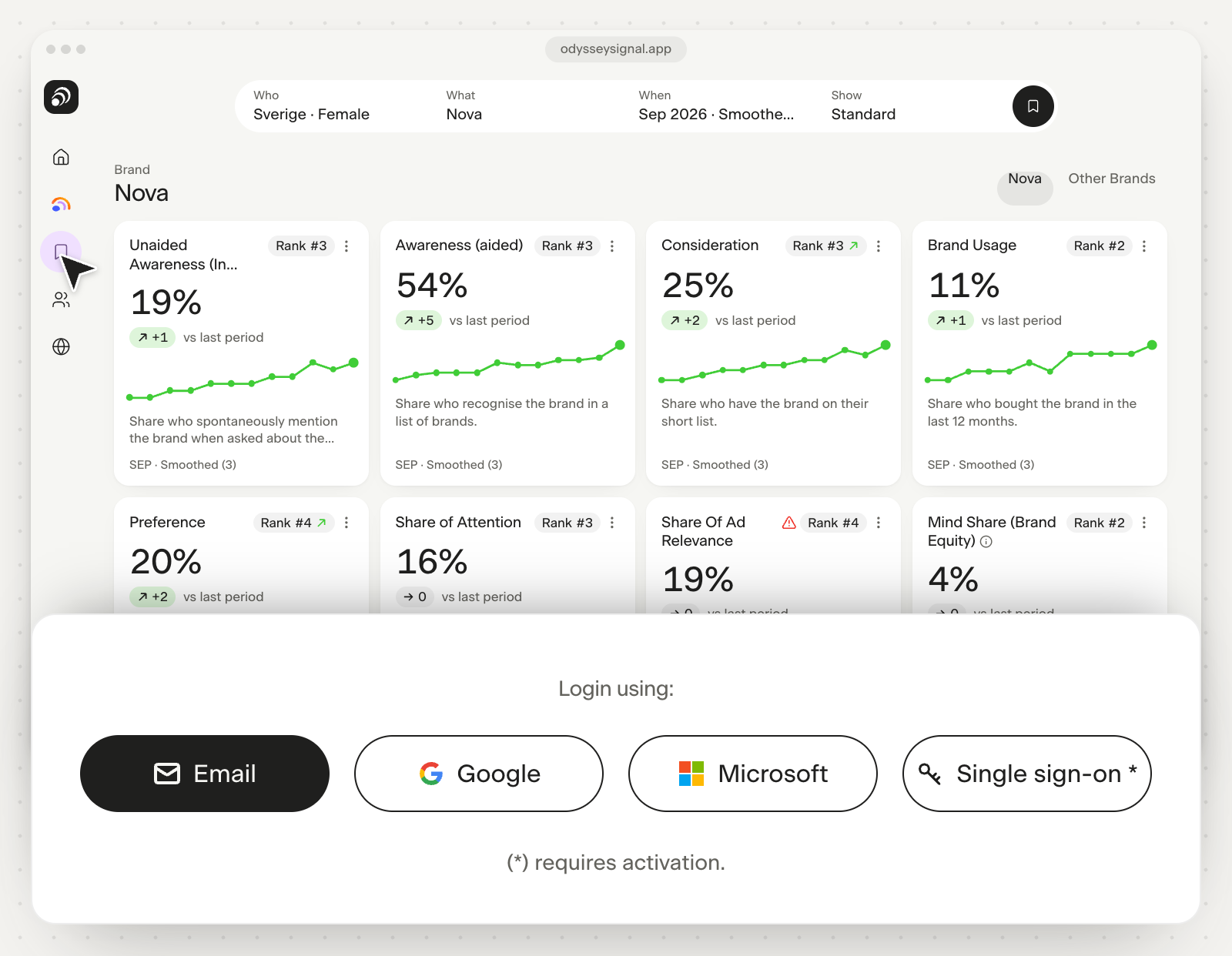
- Enter your email address.
- Click "Continue".
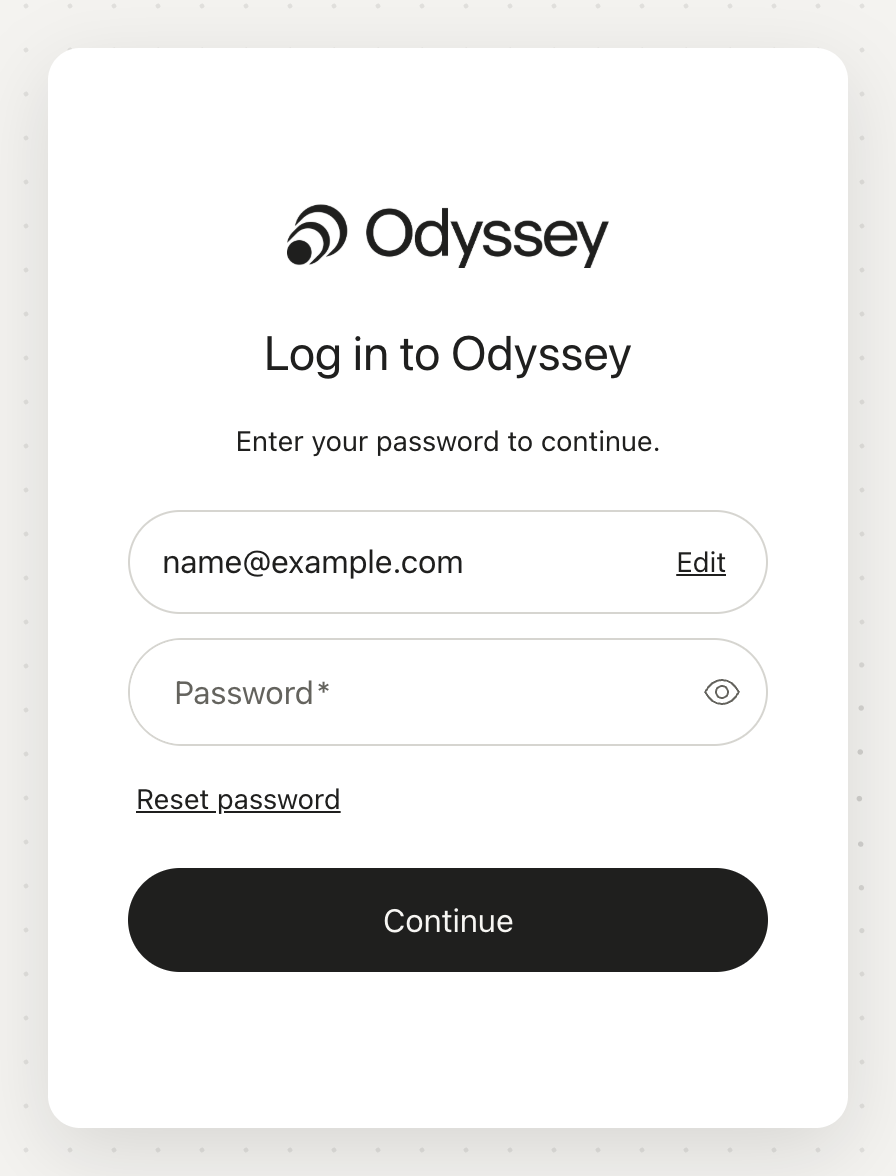
- Click the "Reset password" link.
- If your email address is not already filled in, enter it again.
- Click "Continue".
You will receive an email with a link.
If you can't find the email, check your spam folder.
- Click the link.
- You are taken to a page where you can choose a new password.
- You always receive a confirmation email when your password has been changed.
- Continue to Odyssey and log in again.
Password management and requirements#
Read more about how we manage passwords.
Last reviewed 26 August 2025